Xiaomi Redmi K30 Ultra Global Stable Firmware. Download the latest official firmware for Xiaomi Redmi K30 Ultra. Updated from Xiaomi. Operating system optimization, hang logo fix , bootloop fix and unbrick,…

Download firmware for Xiaomi Redmi K30 Ultra:
V12.5.5.0.RJNCNXM | Android 11 | China Stable | Fastboot | Server 1 - Server 2
TWRP-3.4.2B-1207-REDMI_K30ULTRA-CN-wzsx150-fastboot.zip
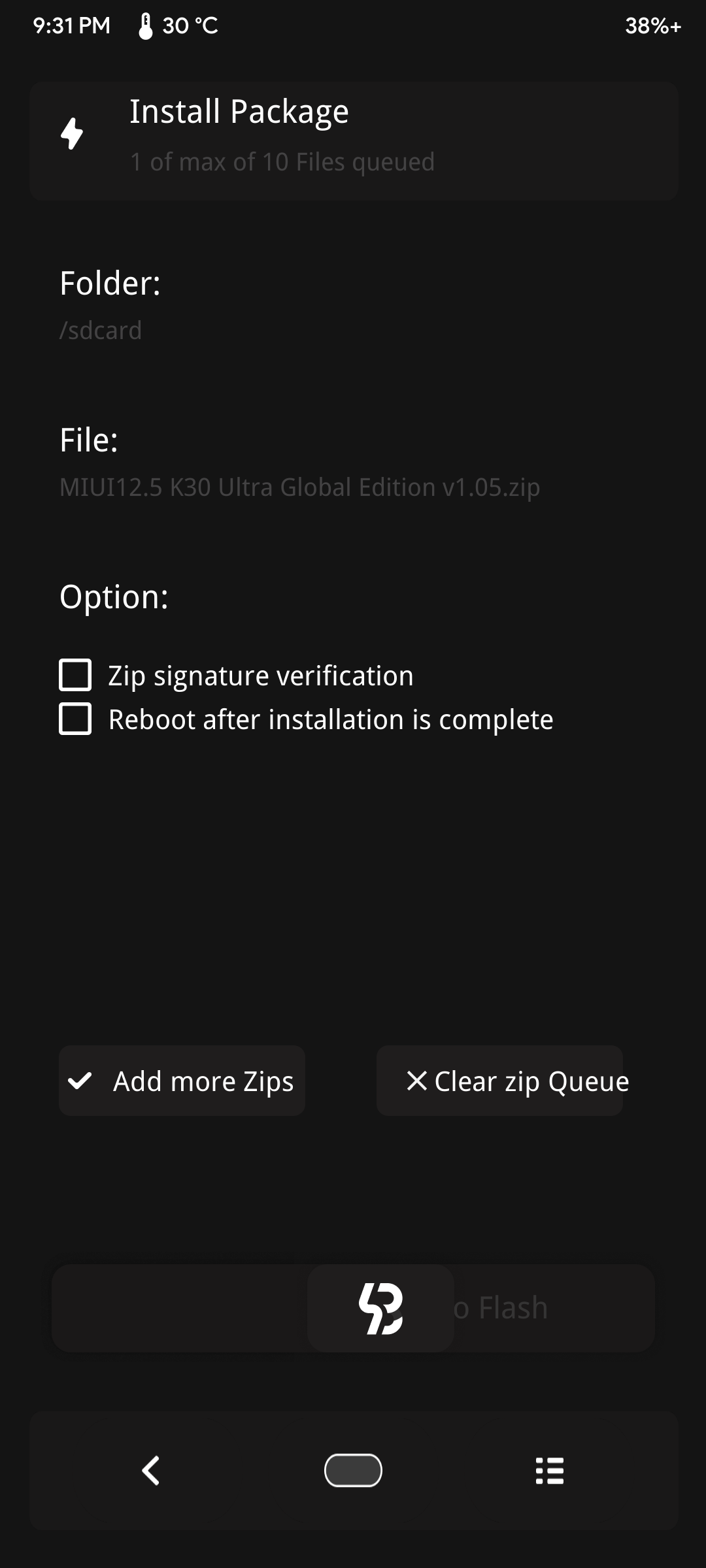
MIUI12.5 K30 Ultra Global Edition v1.05.zip
Installation:
1. Flash TWRP
2. Install vbmeta from TWRP
3. Put Global cust to support global region
This file was deleted by Author. But you can install global cust.img or try to skip this step
Install the MIUI region fix in TWRP: install- select the zip file-confirmation (you can download it at the end of the article, if you want a completely cleaned system from any Chinese social networks)

4. Put ROM to phone and flash it
Install the downloaded zip archive with firmware in TWRP: Install-select zip file with firmware-confirmation
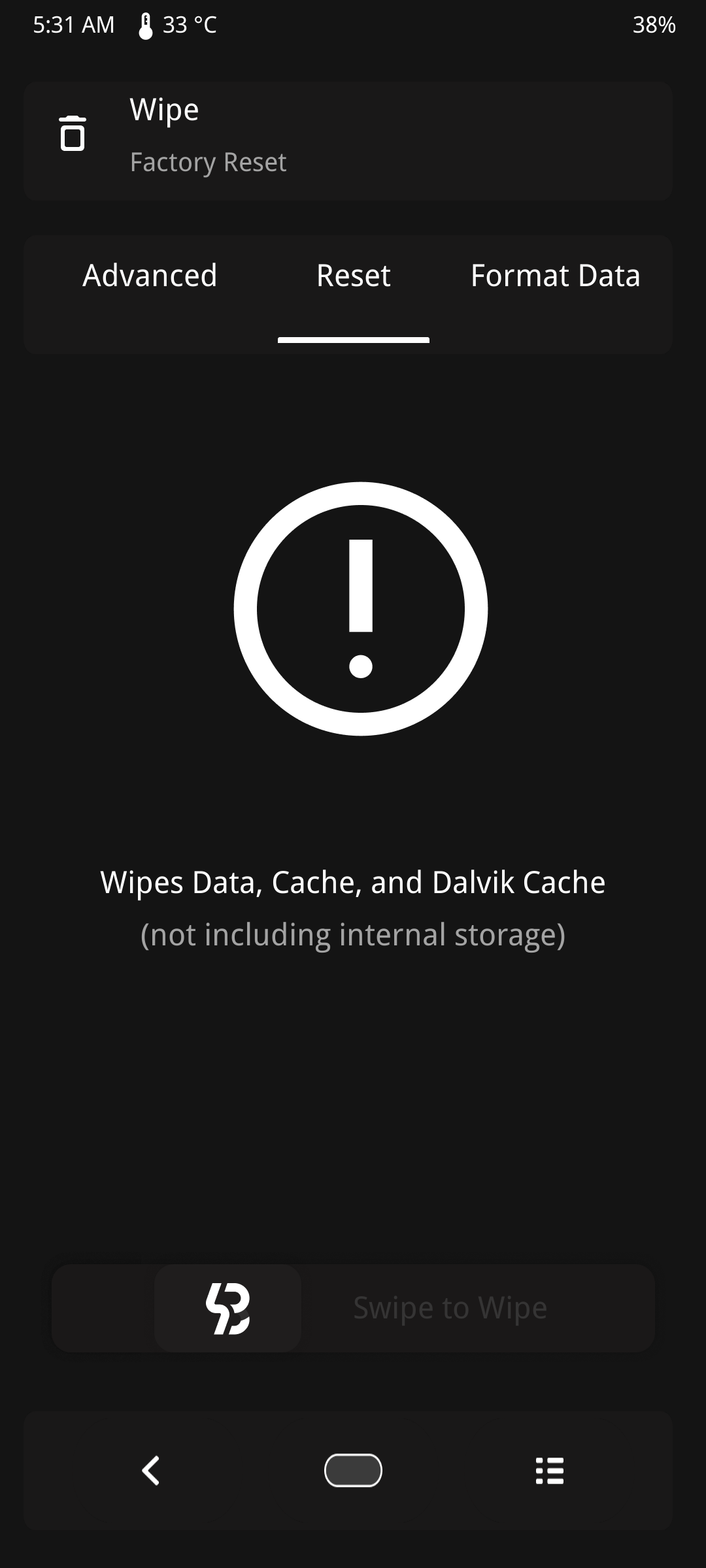
5. Wipe data / Factory reset
Go to wipe-wipe data, cache, dalvik cache-confirm. (this will erase all your installed applications and data from them; photos, videos and downloads will remain)
After that, reboot into the system and check if the system is working normally (the first boot will take about 2-3 minutes)
6. Flash TWRP and boot to TWRP then reboot to system
Author add this step. But I dont know why we have to do this step. Make your choice
7. Update google play app before login to a google account
Make the first system setup and go to the play market. DO NOT GO TO A Google ACCOUNT, check for application updates through the three dots above and update Google Services, Android System Webview and then Chrome (the rest is at your discretion). Now you can log into your account and download your apps.

How to flash Xiaomi Redmi K30 Ultra Firmware
- If Xiaomi Redmi K30 Ultra Fastboot firmware. The ext. must be tgz. If not. Rename it from .gz to .tgz. Extract it by WinRAR or 7zip
- Download XiaomiFlash lastest.
- Open XiaoMiFlash.exe. Introduce driver if apparatus required. Press select and select to firmware organizer what incorporates flash_all.bat
- Ensure your telephone are opened bootloader. Or on the other hand you should carry your telephone to EDL mode (9008) to streak
- Carry telephone to Fastboot mode by hold Power and Volume down for 5-10s. Delivery button when It show Fastboot
- Interface Telephone to PC. Press Refresh to filter gadget. In the event that a gadget showed is alright
- Tick clean all (very significant). If not, your telephone will LOCKED BOOTLOADER after streak done
- Press Flash and stand by util it show achievement or any mistake
